
Using more than one AI coding agent is useful. Managing the same MCP server in every agent by hand is what gets annoying.
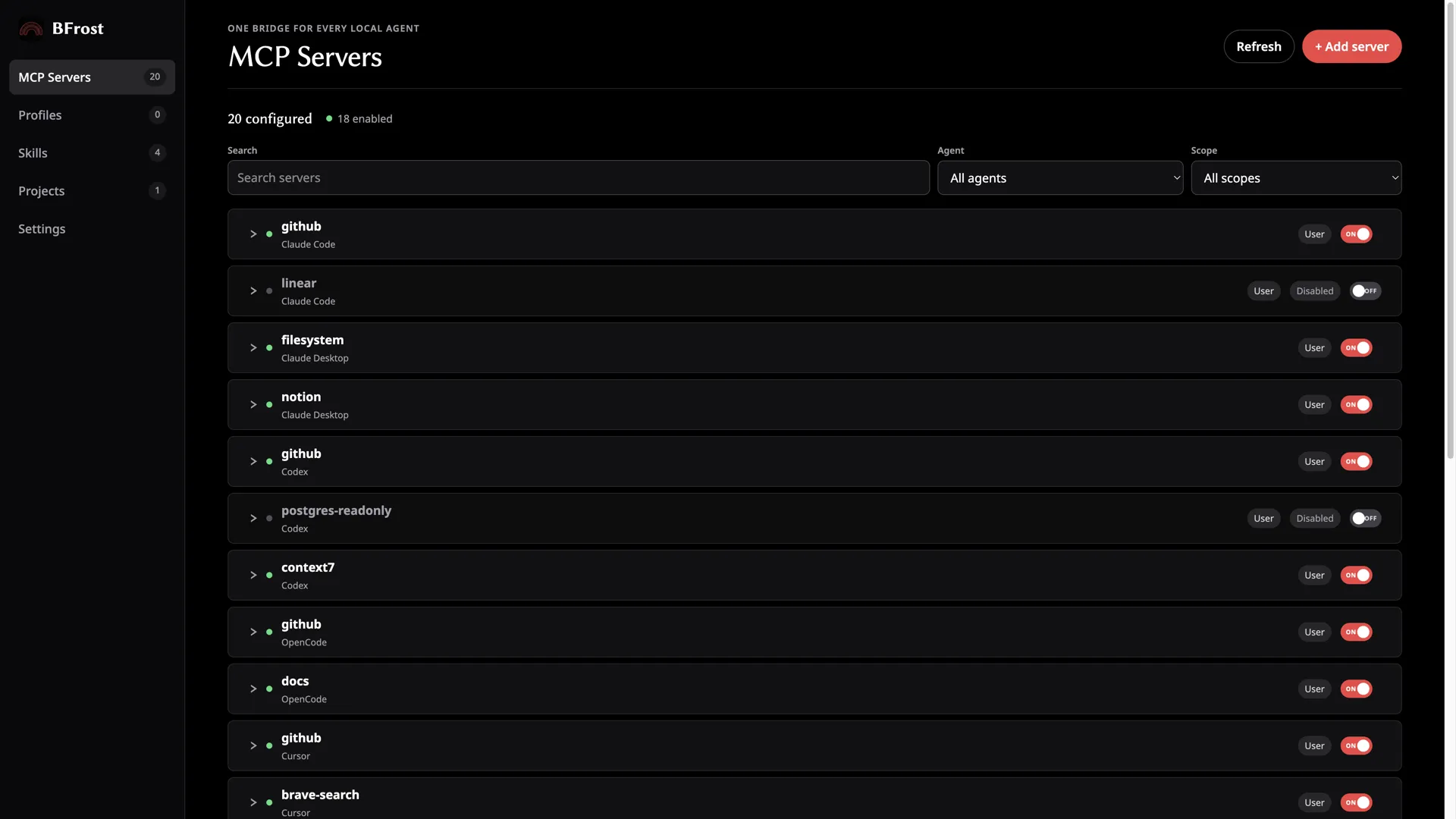
Each agent keeps its own config file, path, and root key. A server you update in Claude Code can still be running an old command in Cursor. A project config can quietly override the user config you thought was active.
TL;DR: One agent? Edit its config file directly and keep a backup. Several agents? Inventory everything first, then change one thing at a time.
Why MCP setup gets messy fast
The first MCP server is straightforward. You paste a JSON or TOML block into the config your agent documents, restart it, and move on.
The trouble starts when you use Claude Desktop at home, Claude Code in a terminal, Cursor in a project, and another agent for a different task. The same server ends up copied into several places, and a few problems follow:
- One copy has the new command or environment variable; another does not.
- The same server carries slightly different names across agents.
- A project config shadows a user-level config.
- You remove a server from one agent and assume it is gone everywhere.
That is configuration sprawl. When the copies stop matching, it becomes config drift.
The safe way to manage several agents
- List the agents you actually use. Do not start by editing every config file you can find.
- Separate user and project configs. Decide which servers follow you everywhere and which belong to one repository.
- Compare duplicate server definitions. Check the command, arguments, environment variables, and URL before deleting anything.
- Back up before changing a file. A timestamped backup makes a bad edit easy to undo.
- Make one change at a time and verify it. A saved config is not the same thing as a working server connection.
For the details behind the files, see MCP config file locations and formats. If copies no longer match, read how to fix MCP config drift. If you are choosing a tool for the job, compare best MCP config managers in 2026.
When a manager is worth it
You do not need another app because you installed one MCP server. Native files are simple and transparent.
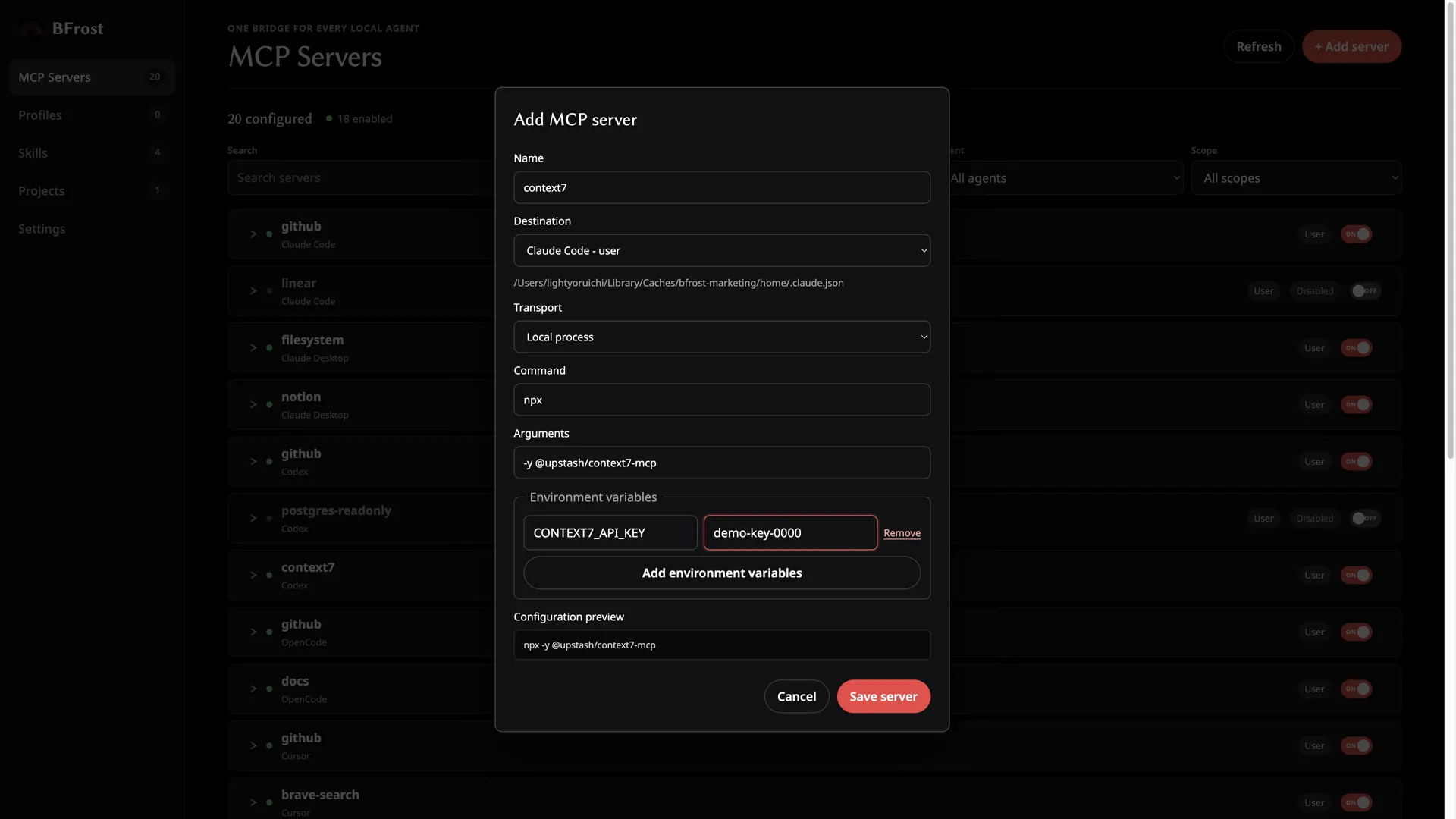
A manager earns its place when you are keeping several agents in order, moving between user and project scope, or repeatedly checking whether definitions match. The valuable part is not hiding the config. It is seeing the inventory, catching duplicates, and being able to restore a version that worked. BFrost runs locally on macOS; the feature list spells out what it does for each agent it supports.
FAQ
Is MCP config sprawl the same as config drift?
Not quite. Sprawl is having many config files and copies to manage. Drift is what happens when those copies no longer agree.
Can I manage MCP configs with copy and paste?
Yes, for a small setup. It gets risky as agents, projects, and server definitions pile up, because it is easy to update one copy and miss another.
Does an enabled server mean the MCP server is healthy?
No. An enabled entry only says the agent should try to use it. Check that the command starts and the connection works.
What is the lowest-risk way to standardize MCP configurations?
Start with an inventory. Compare duplicates, back up the files, then standardize one server at a time.