
There is no single best way to manage MCP configs. The right choice depends on how many agents and projects you run, and how often things change.
For one small setup, editing the file directly is fine. Past a few agents, visibility and recovery matter more than speed.
TL;DR: Raw files and CLIs are fine for small setups. The moment you run several agents, pick a tool with inventory, previews, backups, and restore.
The main ways to manage MCP configs
| Approach | Good fit | What to watch for |
|---|---|---|
| Raw JSON or TOML editing | One tool, infrequent changes | Syntax mistakes, missed copies, no recovery |
| Agent-specific settings | A single-agent workflow | No visibility across other agents |
| CLI-first workflow | Terminal-heavy, scriptable setup | You still need to know where every file lives |
| Local desktop manager | Multiple agents, safer editing | One more tool in your workflow |
The real question is not GUI versus CLI. It is whether your workflow prevents duplicates, drift, and risky overwrites.
When raw files or a CLI are enough
Raw files are direct, and a CLI fits teams that already work through scripts and repeatable commands.
These approaches hold up when the setup is small, the file locations are familiar, and you do not need a broad view across agents and projects.
When a desktop manager makes sense
A desktop manager helps when writing the config is not the hard part. The hard part is knowing what exists across tools.
Look for an inventory, source-file visibility, duplicate review, backups, restore, and conflict detection. Those are the features that reduce risk in a multi-agent setup.
Where BFrost fits
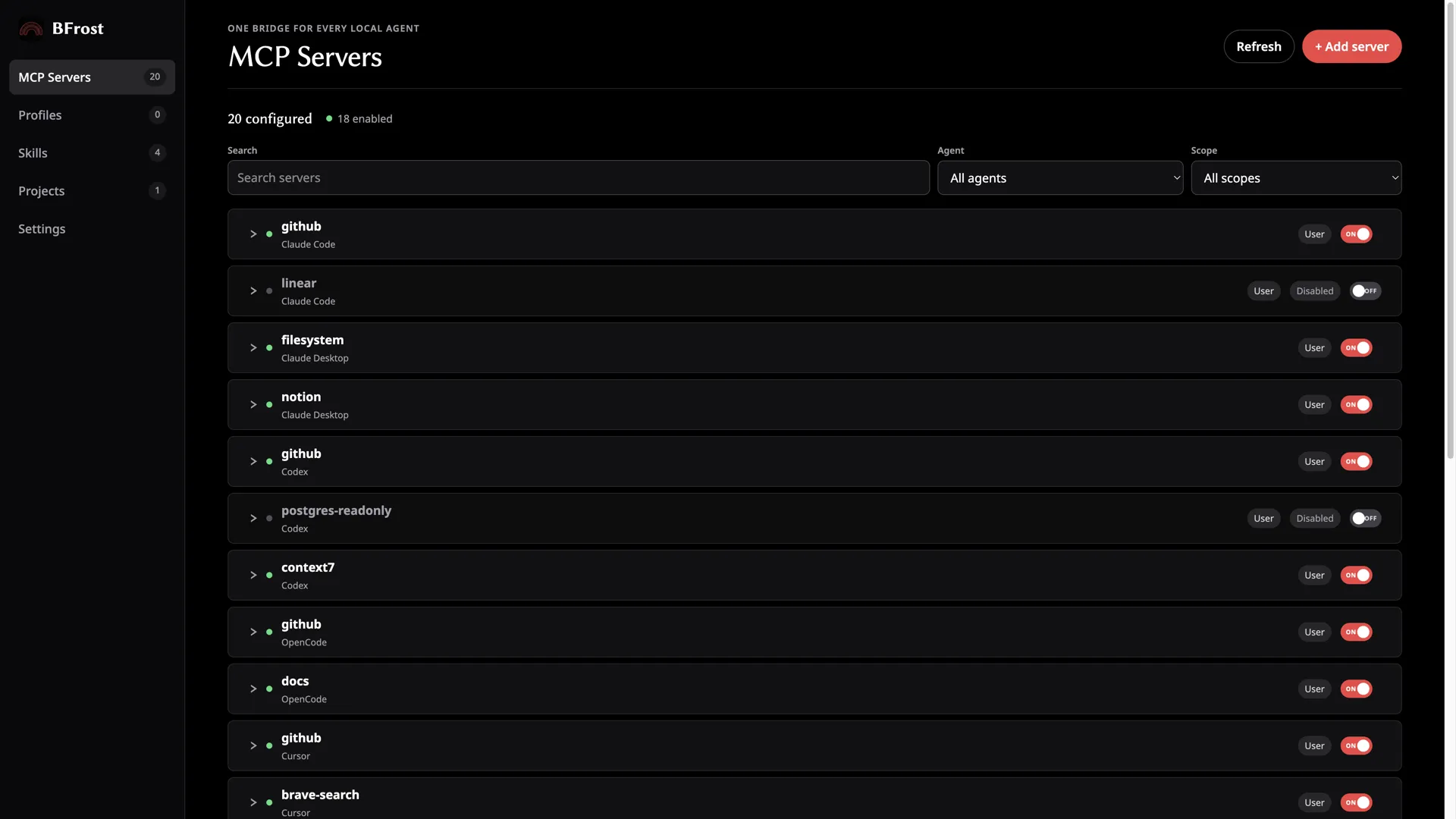
BFrost is a local desktop option for developers who want one view of their MCP setup instead of separate files across agents and projects.
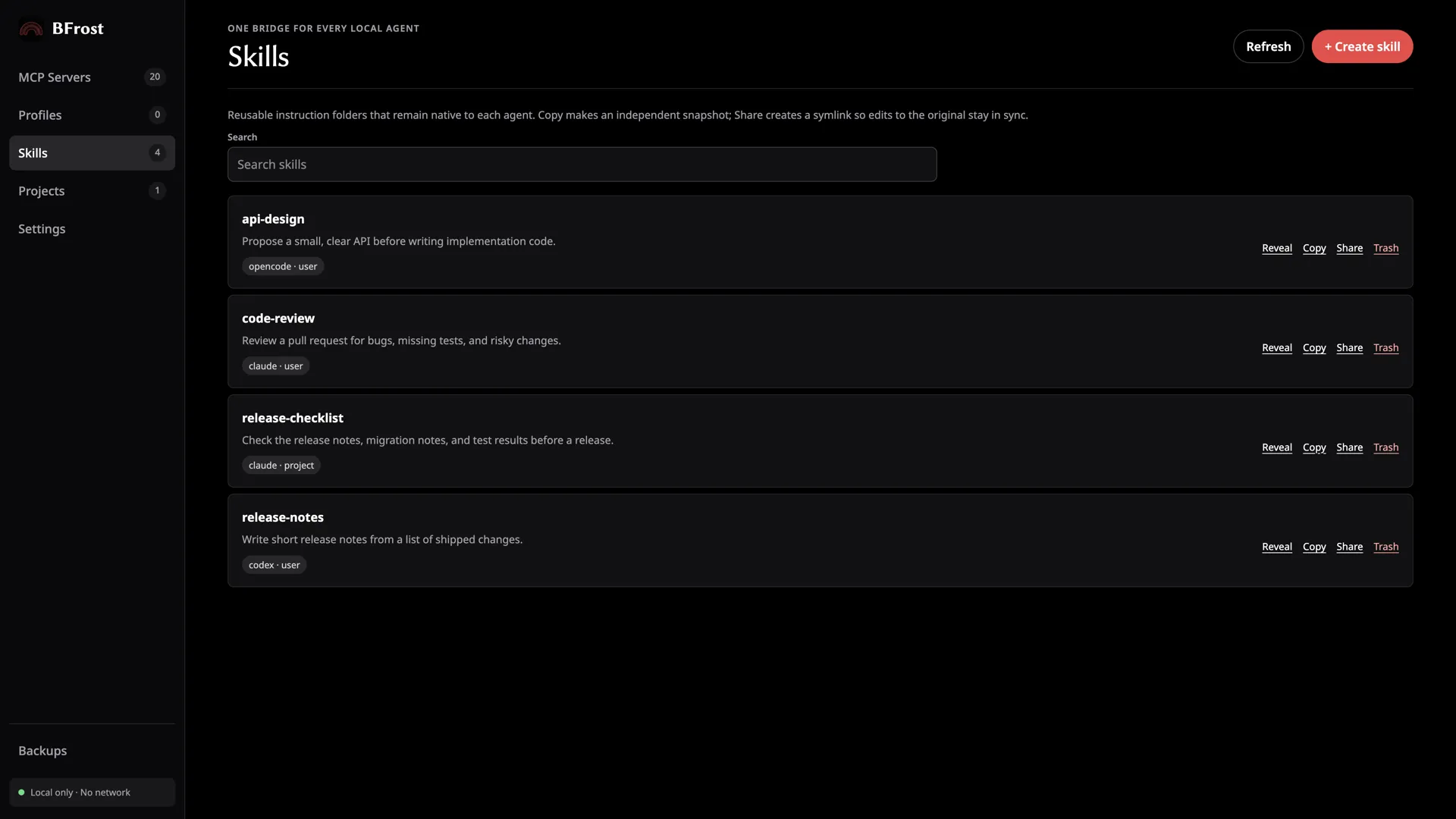
It supports 15 agents: 11 with full editing and 4 view-only. It offers configuration previews, duplicate and near-duplicate detection, Agent Skills management, atomic writes, timestamped backups, restore, and conflict detection. It runs locally with no account and no telemetry. The feature list has the per-agent detail.
That adds up when safety and visibility are the problem. It is overkill if you just need to add one server to one file.
A simple way to choose
- One agent, one or two servers: the native config or a CLI is enough.
- Several agents: start with a complete inventory.
- Several repositories: keep user and project scope clearly separated.
- You have broken a setup before: prioritize backups, restore, and conflict detection.
Pick the lightest workflow that solves the failure mode you actually have.
FAQ
Are CLI tools bad for MCP management?
No. They suit people who want scriptable workflows and are comfortable working with files and commands.
Are desktop GUIs only for beginners?
No. Their value in MCP management is cross-tool visibility, not hiding complexity.
What matters most in a multi-agent MCP manager?
Trustworthy state handling: inventory, source visibility, previews, backups, restore, and conflict detection.
Does BFrost replace the agents’ native config files?
No. BFrost works with the files the agents already use.