
No single MCP config path works for every AI agent. The file, format, and root key all depend on the app you are using.
This is the reference to check before you add, edit, or remove a server.
TL;DR: Find your agent in the table, confirm user or project scope, check the root key, and back up the file before you touch it.
MCP config file locations table
| Agent | User-scope path | Project-scope path | Format | Root key or structure |
|---|---|---|---|---|
| Claude Code | ~/.claude.json | .mcp.json | JSON | Claude native MCP structure |
| Claude Desktop | ~/Library/Application Support/Claude/claude_desktop_config.json | None | JSON | Standard desktop MCP structure |
| Codex | ~/.codex/config.toml | .codex/config.toml | TOML | mcp_servers |
| Cursor | ~/.cursor/mcp.json | .cursor/mcp.json | JSON | mcpServers |
| VS Code | profile mcp.json | .vscode/mcp.json | JSON | servers |
| Windsurf | ~/.codeium/windsurf/mcp_config.json | None | JSON | mcpServers |
| Gemini CLI | ~/.gemini/settings.json | .gemini/settings.json | JSON | mcpServers |
| OpenCode | ~/.config/opencode/opencode.json | opencode.json | JSON | mcp.servers |
| Antigravity IDE | ~/.gemini/config/mcp_config.json | .agents/mcp_config.json | JSON | mcpServers; serverUrl for remote |
Why the root key matters
Most files in this list are JSON, but their structure is not identical. Cursor uses mcpServers. VS Code uses servers. Codex uses TOML with mcp_servers.
So a block copied from one app can be valid JSON and still be wrong for the next app.
User scope versus project scope
Use user scope for a server you want available across your work. Use project scope for a server that belongs to one repository.
Claude Code, Codex, Cursor, VS Code, Gemini CLI, OpenCode, and Antigravity IDE all have project-level locations in this table. A change to your user file may not affect the project you are working in right now.
A quick editing checklist
- Confirm the path in the table.
- Confirm user or project scope.
- Confirm the root key and file format.
- Make a backup.
- Re-open the file after saving, then test the server.
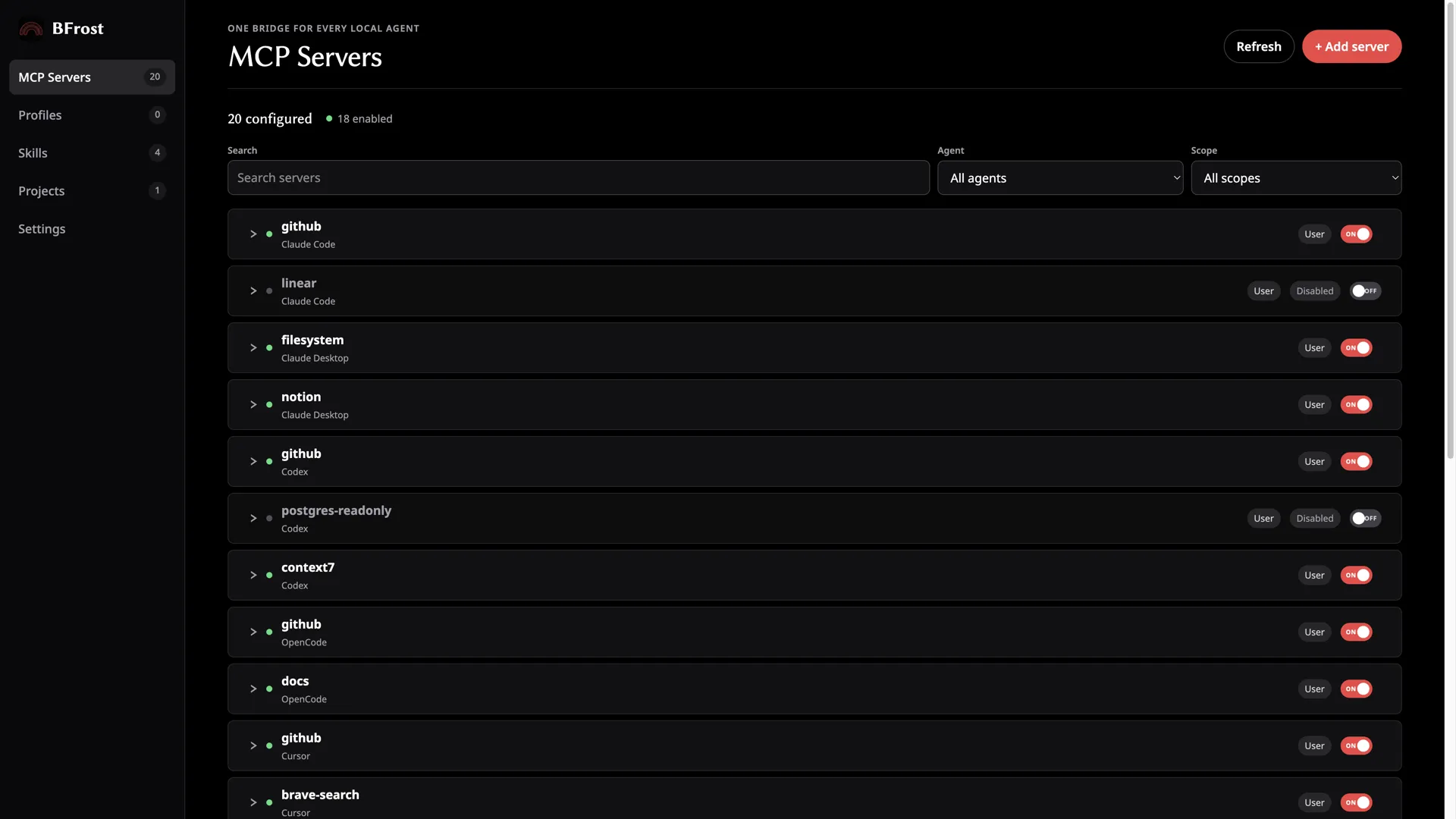
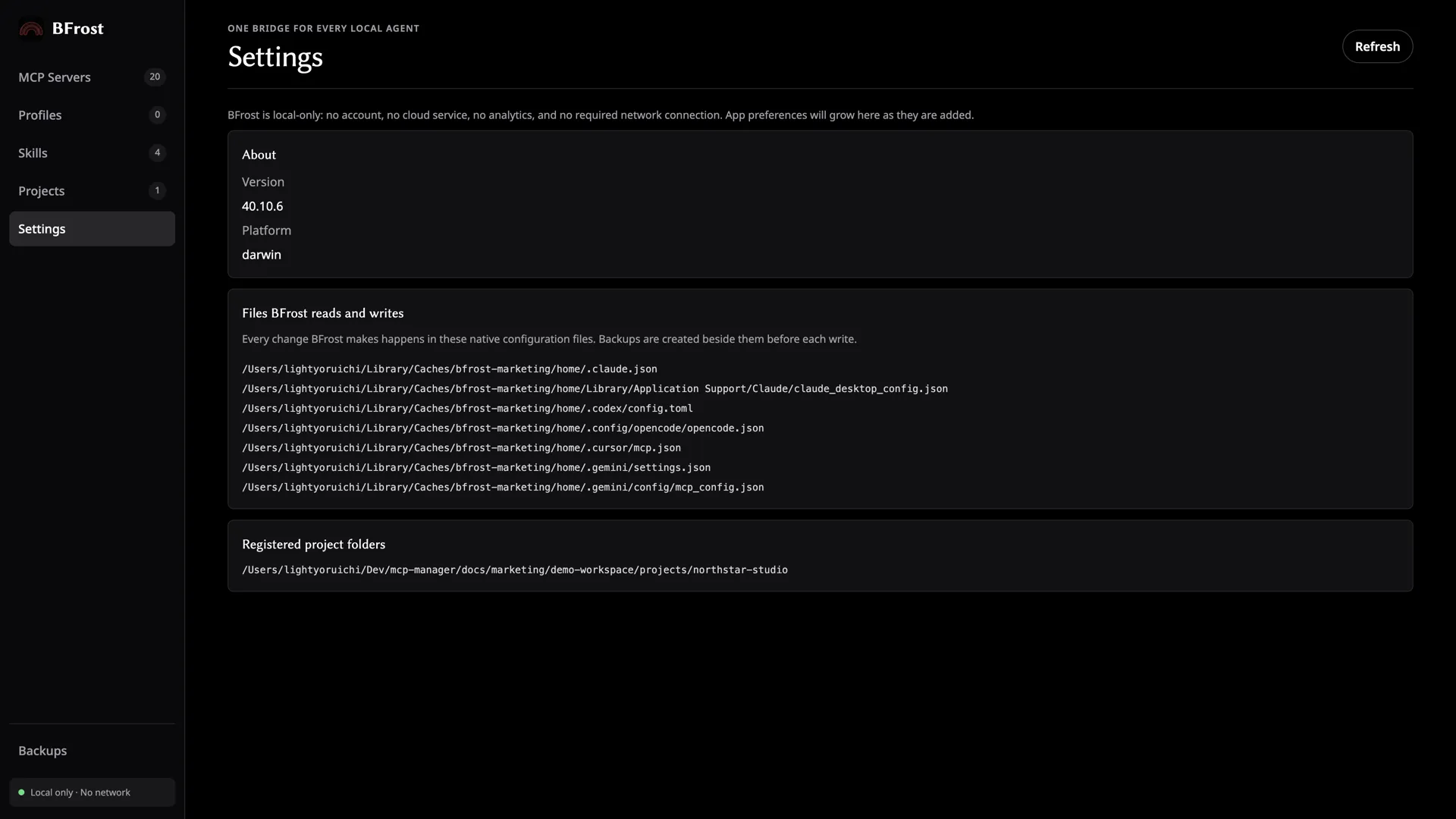
BFrost reads every path in this table natively — the feature list shows what it does for each agent.
FAQ
Where is the Claude Desktop MCP configuration file located?
On macOS, the path is ~/Library/Application Support/Claude/claude_desktop_config.json.
Where is the Cursor MCP config file located?
The user path is ~/.cursor/mcp.json. Project-scoped configuration lives at .cursor/mcp.json.
Does VS Code use mcpServers as its root key?
No. VS Code uses servers in its profile mcp.json and .vscode/mcp.json files.
Which agent in this list uses TOML?
Codex uses TOML at ~/.codex/config.toml and .codex/config.toml.