
Most broken MCP setups come from ordinary file-editing mistakes: the wrong scope, invalid syntax, a newer file overwritten by an older one, or the last working version lost for good.
The fix is not complicated. Make every edit reversible, and verify it before moving on.
TL;DR: Back up before every write. Change one small thing, test it, then move to the next config.
The minimum safe workflow
- Find the exact file you mean to edit.
- Confirm whether it is user or project scope.
- Create a backup before saving.
- Make the smallest possible change.
- Re-open the file and confirm the structure.
- Test the server before you do anything else.
That is intentionally boring. Boring is the right way to edit files your agents depend on.
Why backups matter
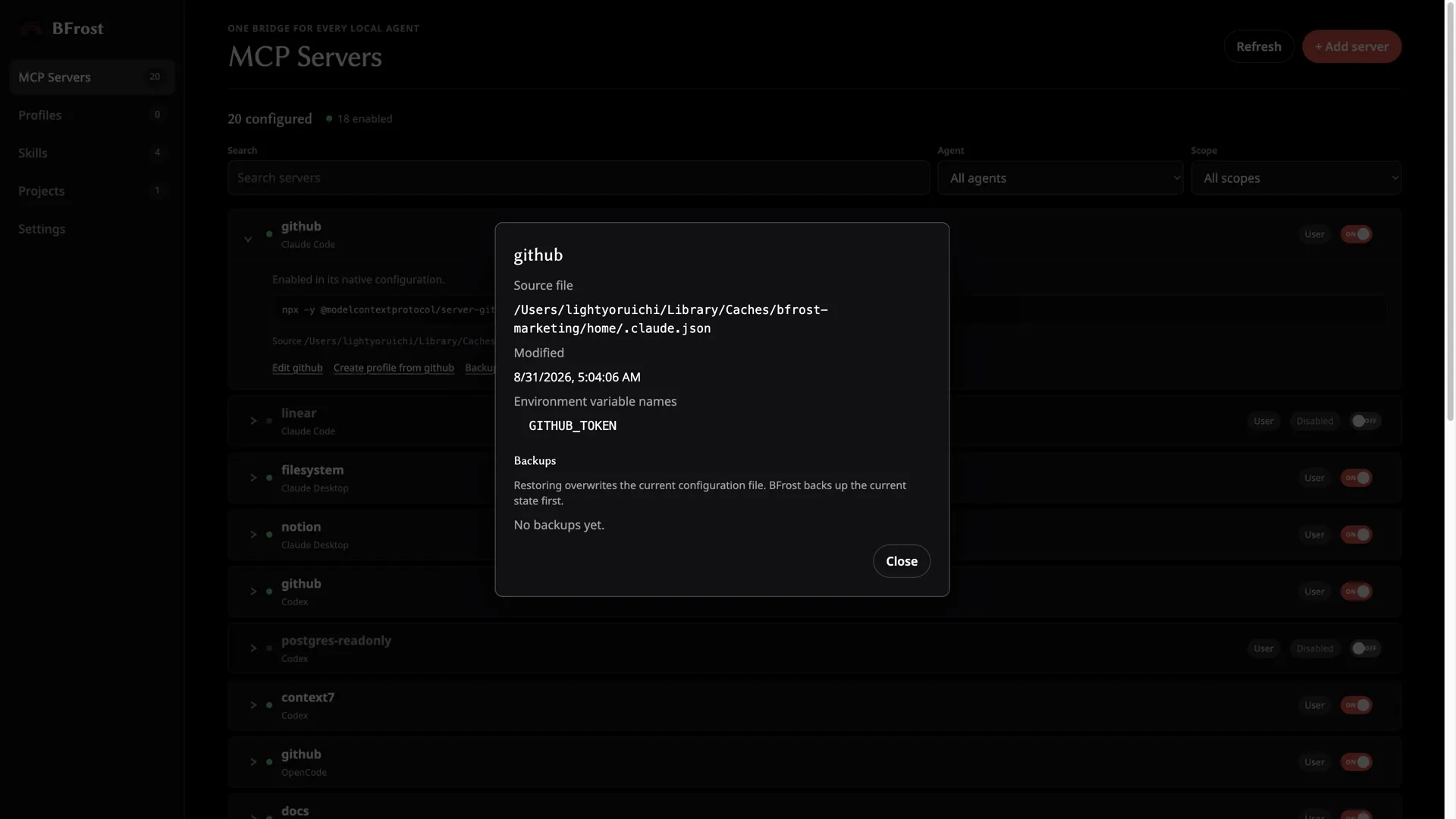
A backup gives you a known place to return to when a change does not work.
Keep it until the new configuration has been checked. Timestamped backups taken before the write are the useful kind, because you do not have to remember to make a copy first.
What atomic writes and conflict detection protect against
An atomic write avoids leaving a half-written config if something fails partway through. A half-written JSON or TOML file can stop an agent from reading its configuration at all.
Conflict detection catches a different problem: the file changed outside the editor while you had it open. The right response is to stop and review the newer version, not overwrite it. BFrost does both by default — the feature list has the details.
Keep secrets out of the cleanup
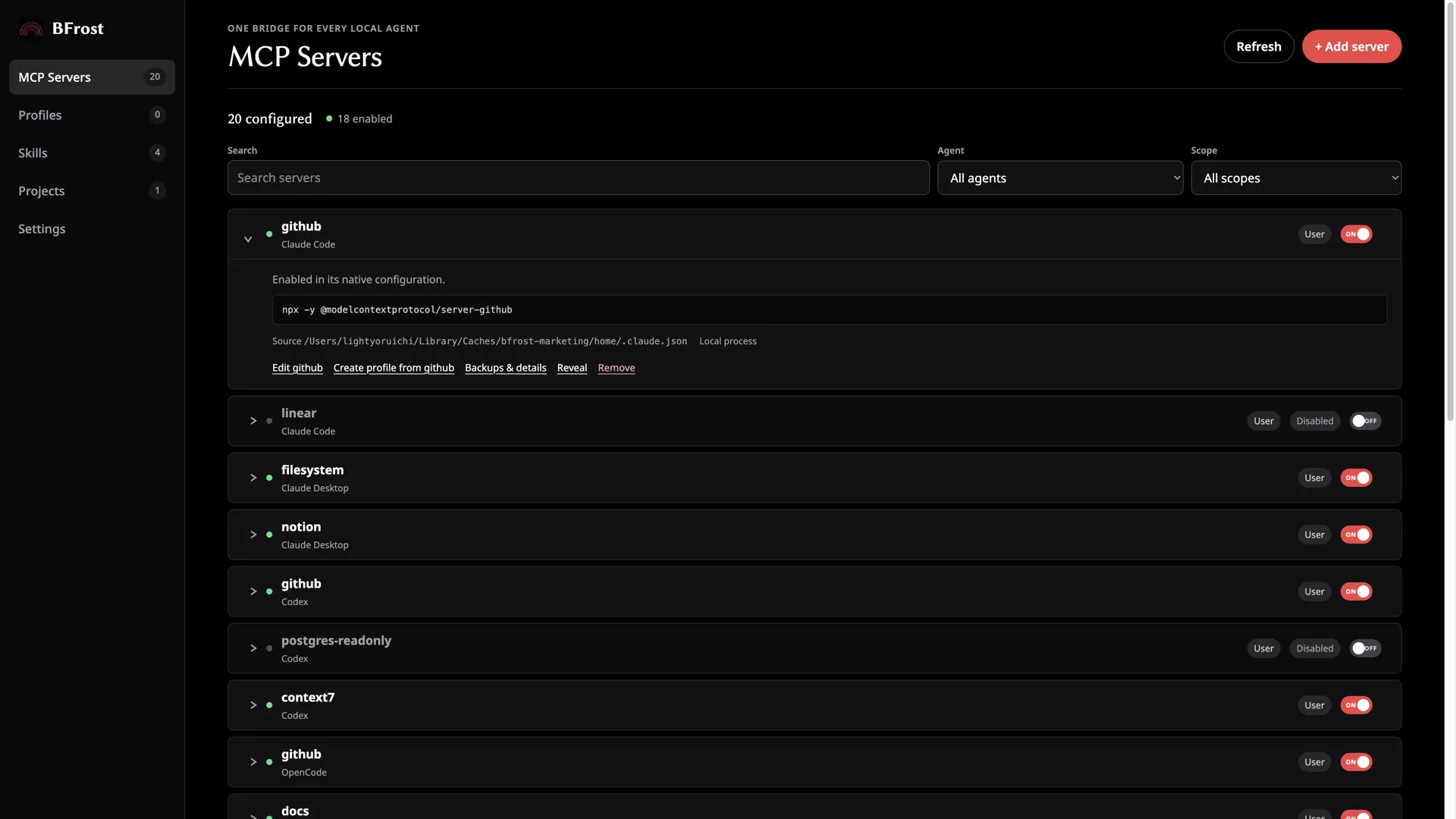
Treat API keys and other secrets as sensitive configuration inputs.
- Keep them out of screenshots and shared notes.
- Avoid pasting plaintext values between files unless you have to.
- Check whether a stale value explains why one agent works and another does not.
- Leave unknown fields alone unless you understand them.
Restoring a working version
- Look at the current file and find what broke.
- Pick the last known good backup.
- Restore that one file.
- Re-open it and confirm the structure.
- Test the agent again.
If the same server is inconsistent across agents, read how to fix MCP config drift before changing or restoring files.
FAQ
Is a manual copy of the file enough as a backup?
It beats nothing. Timestamped backups taken before the change are safer, because they are consistent and easy to identify later.
Can I restore one config file without rolling back every agent?
Yes. Recovery should be file-specific, so an unrelated agent does not need to change.
Is enabled the same as working?
No. Enabled describes a value in the config. It does not prove the server starts or completes a connection.
Why does conflict detection matter?
It stops a stale editing view from silently overwriting changes made by another process or editor.